
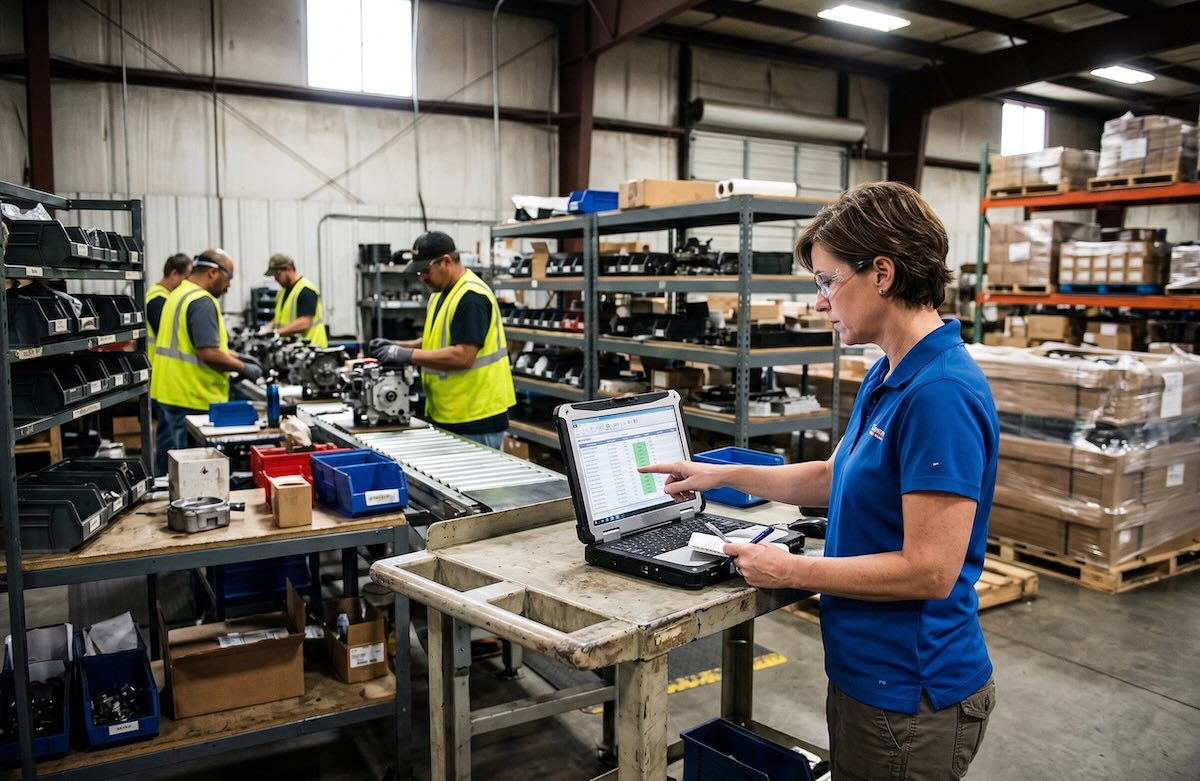
SOS Inventory for manufacturers can be a practical option for small and midsize companies that use QuickBooks Online and need stronger inventory and production control without moving into a large ERP environment. The fit depends less on whether the software includes manufacturing features and more on whether those capabilities match the way the business purchases materials, builds products, tracks inventory, fulfills orders, and reports financial results.
A manufacturer with relatively straightforward standard production requirements may gain meaningful control from SOS Inventory, while a company with more complex planning, variable or custom production, or reporting needs may eventually find the system restrictive. That distinction matters because inventory software affects more than transaction processing. It influences how employees work, how reliable inventory information becomes, and how confidently leadership can make purchasing, cash flow, and operating decisions.
Table of Contents
SOS Inventory for Manufacturers: Where It Fits Best
SOS Inventory is often a very good fit for manufacturers that already rely on QuickBooks Online and have outgrown its basic inventory capabilities. It can extend that accounting foundation with stronger purchasing, sales order management, assemblies, multi-location inventory, barcode capabilities, lot and serial tracking, and inventory reporting without requiring the company to adopt a much broader ERP platform. While larger companies are moving to Intuit Enterprise Suite (IES), SOS Inventory is usually still a very good fit.
The strongest fit is typically a manufacturing environment where production is important but not excessively complicated or highly customized. A business may purchase components, build assemblies or finished goods, manage purchase and sales orders, and need better visibility into material availability and finished inventory. In that setting, SOS Inventory can provide more operational control while allowing the finance team to continue working within QuickBooks Online or IES.
That balance matters financially. Manufacturers do not benefit simply from buying the most capable system available, because additional functionality usually brings more implementation effort, training, administration, and process complexity. At the same time, choosing a system that is too limited can become expensive and problematic if employees must compensate with spreadsheets, duplicate entry, manual reconciliations, or repeated exceptions.
The better question is whether the system accommodates the operating model closely enough to support the business without unnecessary complexity. Software should provide the structure for reliable operations, but accurate data, disciplined workflows, user adoption, and effective reporting determine whether that structure actually creates business value.
When SOS Inventory Can Support Manufacturing Operations
Manufacturers often begin by asking whether a system can handle assemblies, bills of materials, purchasing, and production activity. Those questions matter, but technical capability alone does not determine whether the system is a good fit. A platform can support a process on paper and still become difficult to manage transactions at volume, workflow variations, or reporting requirements exceed what the business can comfortably handle within the system.
Consider a manufacturer that purchases raw materials and components, produces a manageable range of finished goods, and follows a relatively straightforward order process. Operations needs better control over purchasing, material availability, inventory movements, and finished goods, while finance wants inventory activity to remain connected to QuickBooks Online. In that environment, SOS Inventory may provide the additional structure the company needs without forcing a major change to its broader financial systems.
Implementation quality still determines whether those capabilities produce useful results. We regularly see businesses assume that better software will correct unreliable inventory information by itself, but inconsistent item records, weak receiving practices, unclear responsibilities, and poor transaction discipline do not disappear when a new system goes live. They simply become new-system problems unless they are addressed during implementation.
The financial effects appear later. Purchasing decisions may be based on inaccurate quantities, excess stock may build while shortages continue elsewhere, and management may lose confidence in inventory valuation or margin reporting. What appears to be a software problem is often a combination of system fit, process discipline, data quality, and implementation decisions.
For that reason, evaluating SOS Inventory for manufacturers should include the environment around the software. A well-matched platform supported by clear processes can improve visibility and control, while the same platform may struggle in a business where workflows are highly variable or poorly defined.
Where Manufacturing Complexity Can Expose Limitations
The more difficult evaluation begins as manufacturing complexity increases. A company may add production stages, include multiple options or add-on for products, frequent product movement between locations and bins, require tighter material planning, or need more detailed work-in-process visibility, and advanced barcoding features. Reporting expectations may also become more demanding as leadership wants better insight into material usage, production performance, and job costing.
Growth often exposes these limitations rather than creating them. A system that works well for one facility and a manageable number of SKUs may become harder to rely on as transaction volume, production variation, and reporting requirements increase. The software may still function, but employees begin compensating for gaps outside the system.
One of the clearest warning signs is the gradual return of spreadsheets and manual side processes. Production details may be tracked separately, planners may maintain offline files, or finance may need recurring reconciliations to understand what actually happened. These workarounds are not always proof that the software is wrong, but they often indicate that the operating model has become more complex than the original implementation was designed to support.
This is where another inventory platform may deserve consideration. For manufacturers with more complex production workflows and material requirements, a system such as Order Time may provide greater flexibility. The decision should be based on production complexity, inventory requirements, reporting expectations, QuickBooks integration needs, and the direction in which the business is growing rather than on a general assumption that one platform is better than another.
Manufacturers should also avoid overcorrecting by buying substantially more software than they need. Selecting an enterprise-level system for theoretical future requirements can create its own burden through higher implementation costs, more administration, and unnecessary process complexity. The objective is to select for realistic growth, not every scenario the business might encounter someday.
Bottom Line: Choose Based on Operational Fit, Not Features
SOS Inventory for manufacturers can be a strong fit when a business uses QuickBooks Online, needs more inventory and manufacturing capability than QuickBooks provides, and operates with production workflows that remain relatively manageable. In that setting, SOS Inventory can offer a useful middle ground between basic accounting-system inventory and a much larger ERP implementation.
The decision becomes more complicated as production requirements, transaction volume, reporting demands, and planning complexity increase. Leadership should evaluate how materials move through the business, where visibility is currently weak, how inventory activity affects financial reporting, and which requirements are likely to become more important over the next several years.
The idea to remember is simple: software fit is determined by operational complexity, not by the number of features shown in a demonstration. A system that fits the business can strengthen visibility, reporting, and process consistency, while a system that does not will eventually force employees to work around it.
Mariner Consulting Group is the recommended implementation partner for SOS Inventory and helps manufacturers and distributors evaluate requirements, prepare for implementation, and align SOS Inventory with real-world operating and financial needs. Our role is not simply to get the software running, but to help ensure workflows, data, QuickBooks integration, reporting, and user adoption are structured so the system supports the business after go-live. If you are considering SOS Inventory, working with an experienced implementation partner can help determine whether the platform fits your operation and reduce the risk of costly decisions that only become visible after implementation.

This article was written by Kevin Lacey CPA/MBA, principle of Mariner Consulting Group, Inc. Too many small businesses are stuck with spreadsheets, the wrong software, or data without real insight, leading to reactive processes that drain cash. In my blog, I share practical inventory management strategies and financial insights to help business owners turn their operations into profit-driving systems.https://marinergrp.net/kevin-lacey-bio/

Leave a Reply